What Vigil does
Everything below is in the product today. The app, its emails and its reports are in English, German, French and Spanish.
It reads the pages you choose, once a day.
You add a company and the pages to read: a catalogue page with many products, or a single product’s own page. Vigil reads each page once a day, or three times a day on the Agency and Enterprise plans. Check now runs a page’s check straight away when it has not been read successfully yet that day. With a store connected, a catalogue is read until every product you sell has been found; set the source to “Full scan” to read it to the end. Products past your plan’s limit are not stored. Most pages are read with a plain request; a browser is used only when a page needs one.
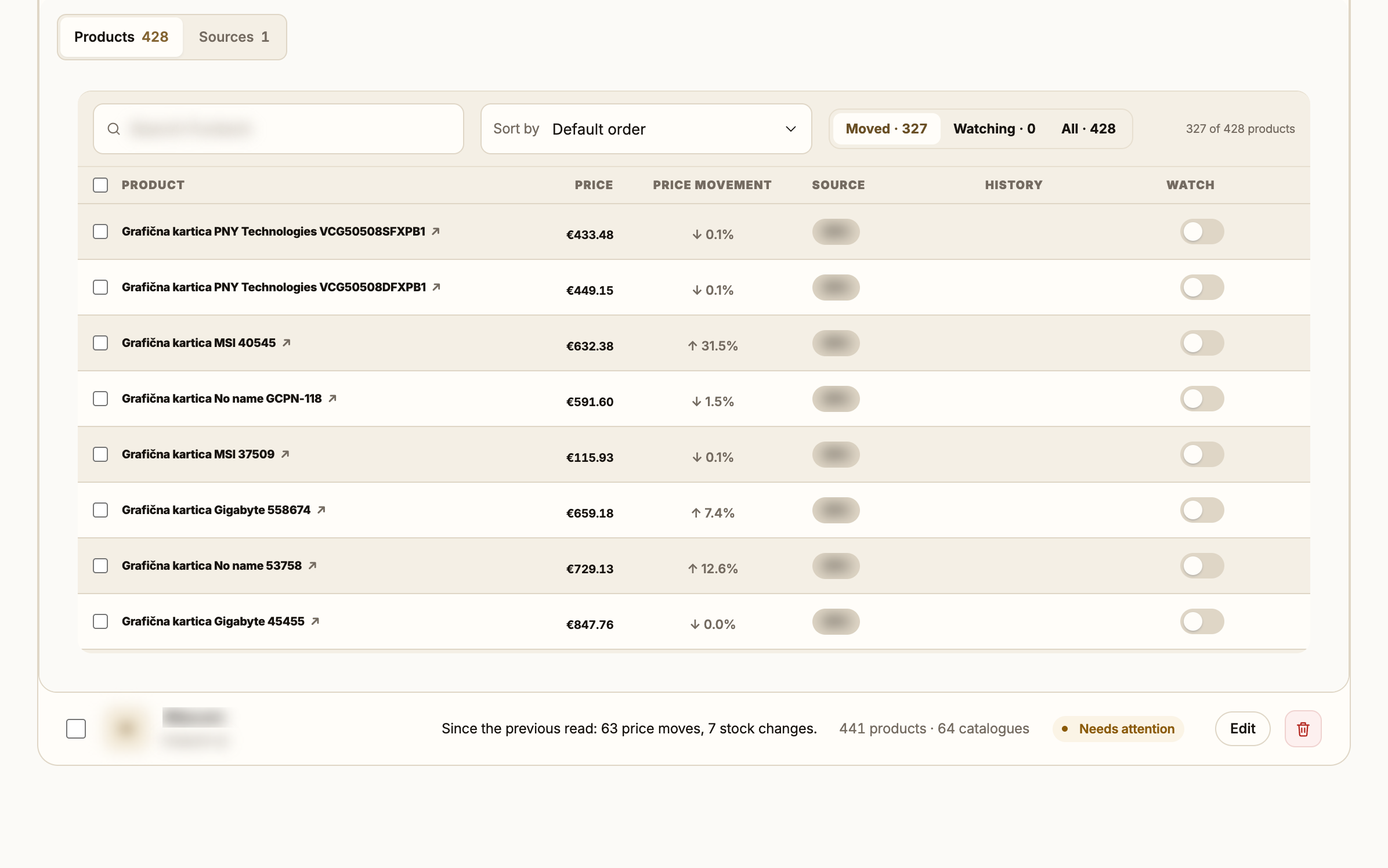
It records what changed and tells you when it matters.
A price change, or a product going in or out of stock, is a meaningful change and goes into your alert email. A product added, removed or renamed is recorded without an alert. Alerts can also go to Slack or to a webhook. Each change keeps its old and new value. Changes and price history are kept for six months.
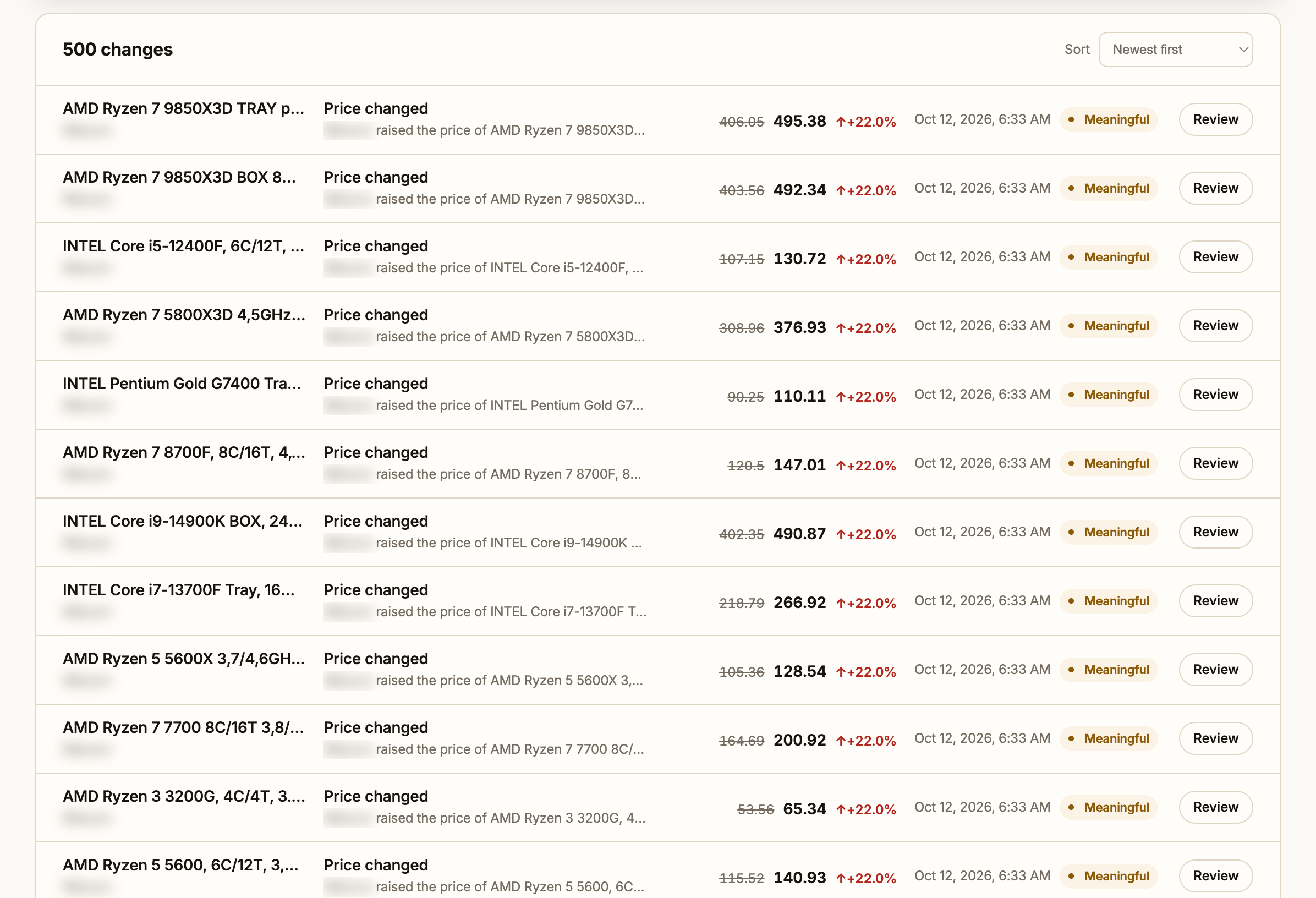
It lines up the same product across shops, against your price.
With your store connected, Vigil looks once a day for the same article at each company you track: by barcode and model code first, by name and description after that. You confirm a match before its price counts. Your product then shows the cheapest price, the average, and where yours stands.
Part of Growth and the plans above it.
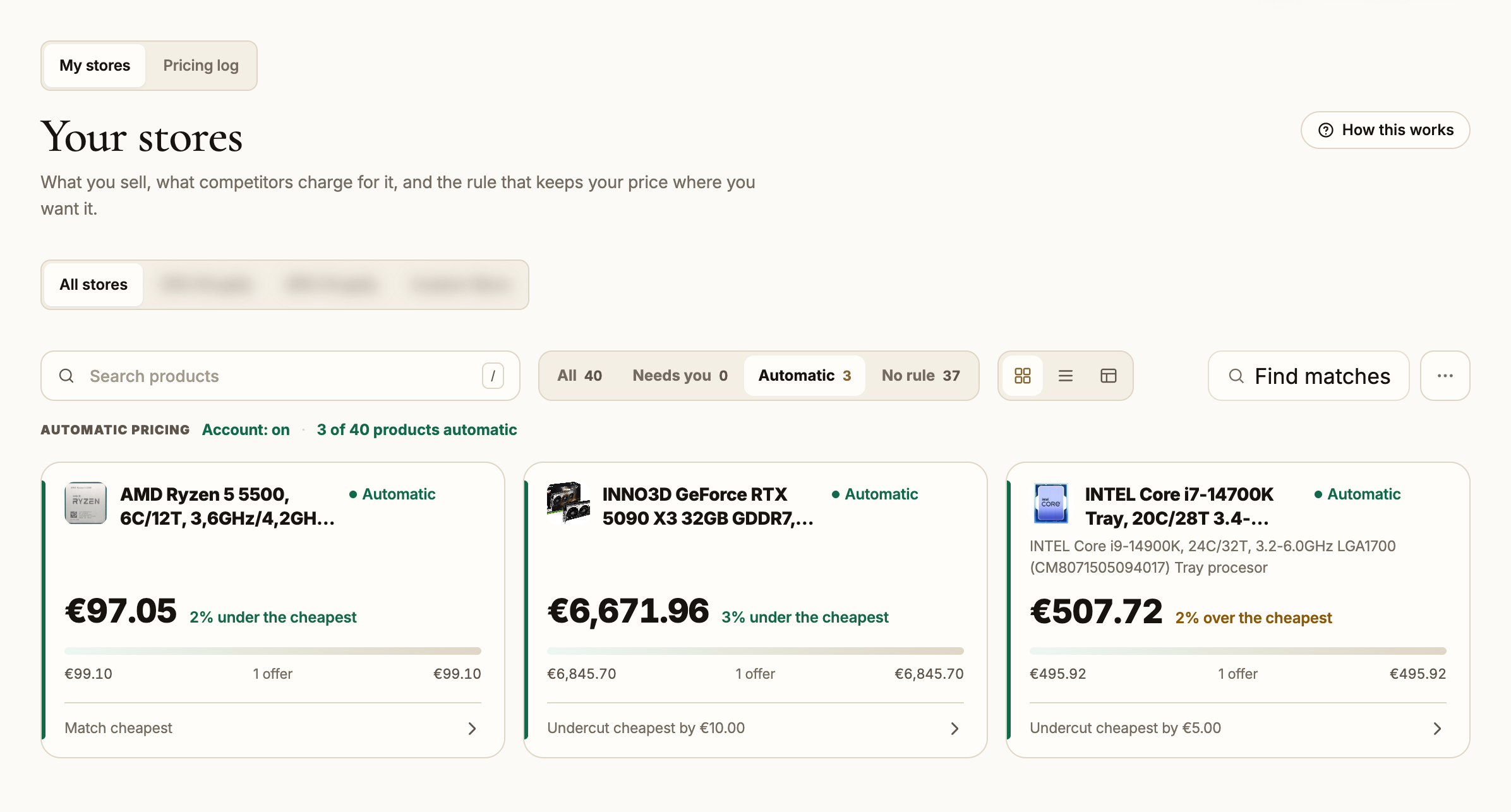
It can reprice your Shopify or custom store, inside limits you set.
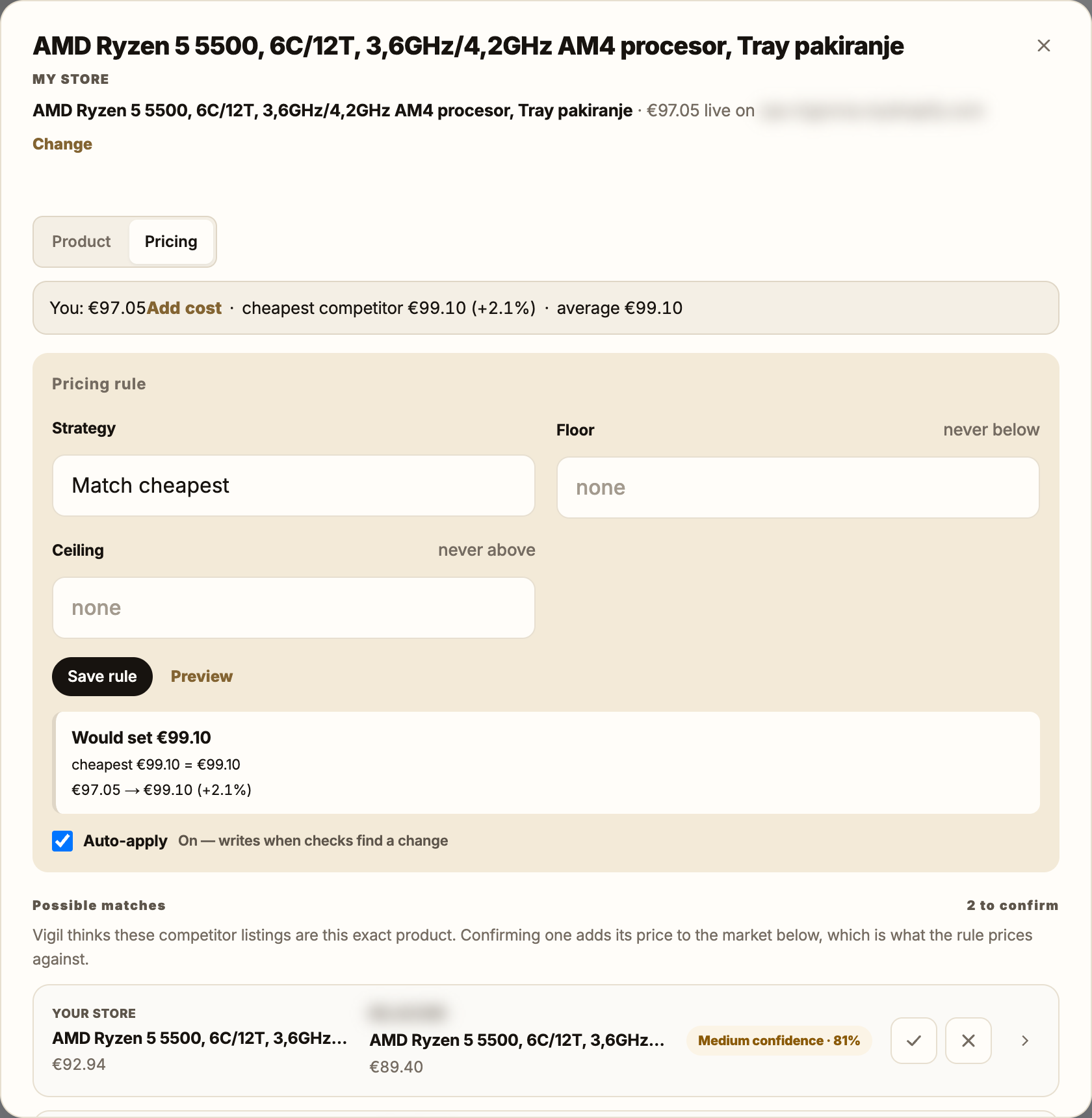
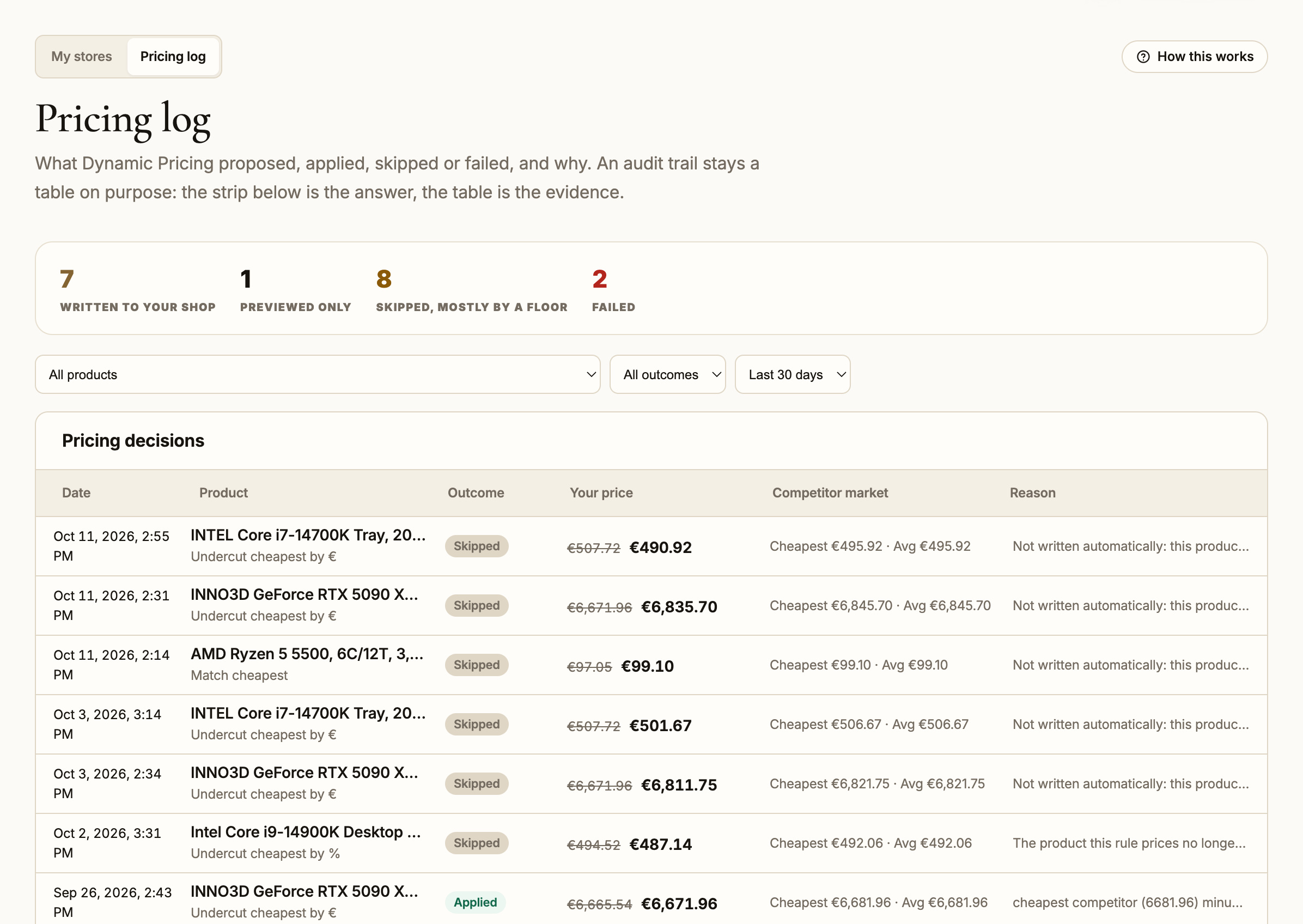
A rule watches one of your products and proposes a price from the market: match the cheapest competitor, undercut it by a percentage or an amount, or keep a distance from the average. What it may do is bounded:
Part of Growth and the plans above it.
- A rule never sets a price below your floor, or below your cost plus the margin you set.
- A new or changed rule only previews. It writes nothing until you have seen what it would do.
- Turning automatic repricing on asks you to type a word to confirm.
- An automatic change of more than 25% is skipped.
- One switch in Settings stops every automatic price change on the account.
- Every price proposed, applied, skipped or failed is in the pricing log with the reason, for six months.
It shows who advertises below your floor.
Mark a company as one of your resellers. When it advertises one of your products below the floor you set, the violation is recorded with the seller, the price, the floor it broke and the date, and where the check rendered the page, the screenshot is kept as evidence. A reseller’s prices are left out of the market your repricing rules read.
It shows what competitors stock that you don’t.
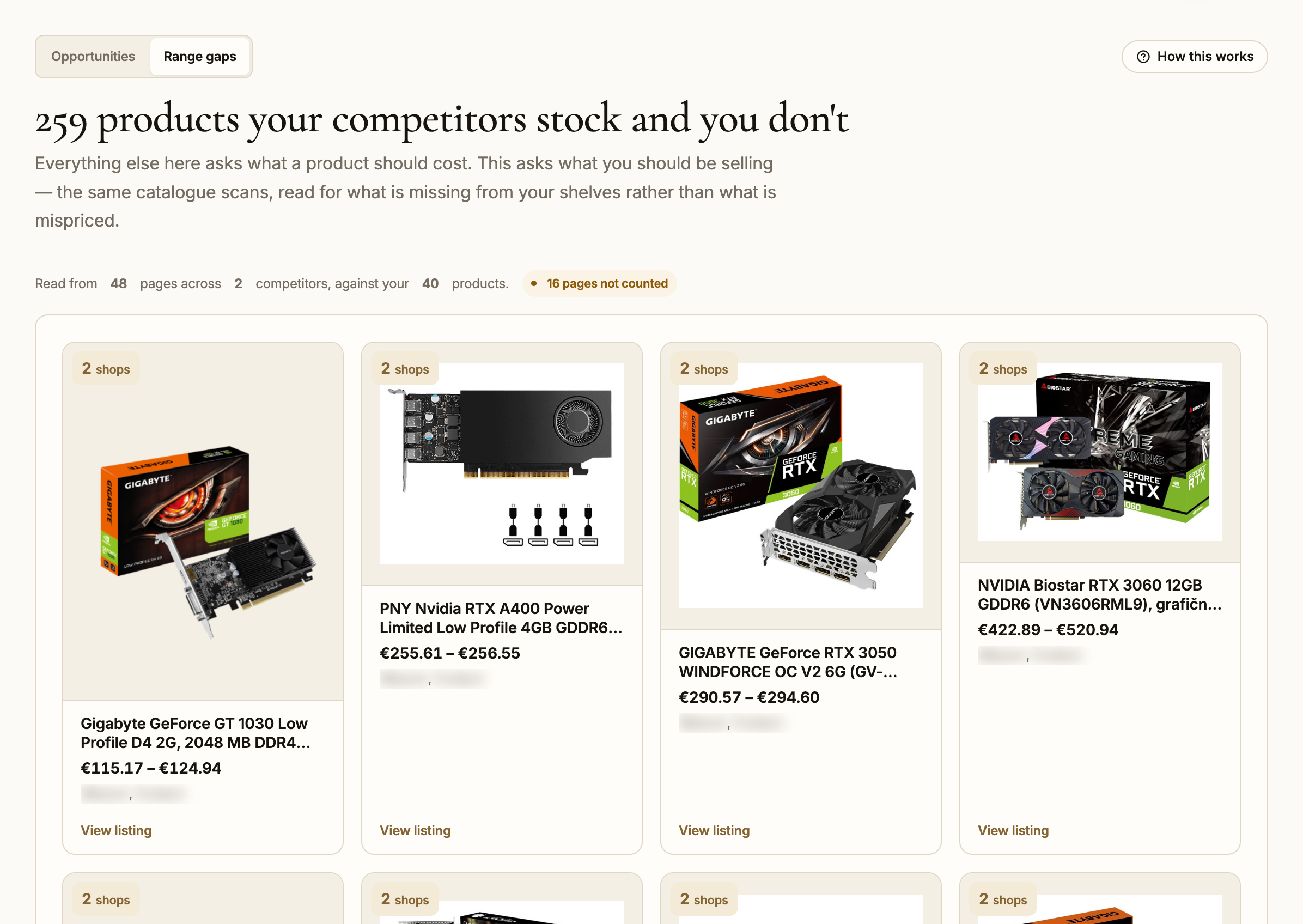
Range gaps lists the products the companies you track sell and your store does not, starting with the ones several of them carry. Only a catalogue that was read from start to finish counts, so a product missing from a half-read page is never reported as a gap.
Part of Growth and the plans above it.
It follows one product across every shop that sells it.
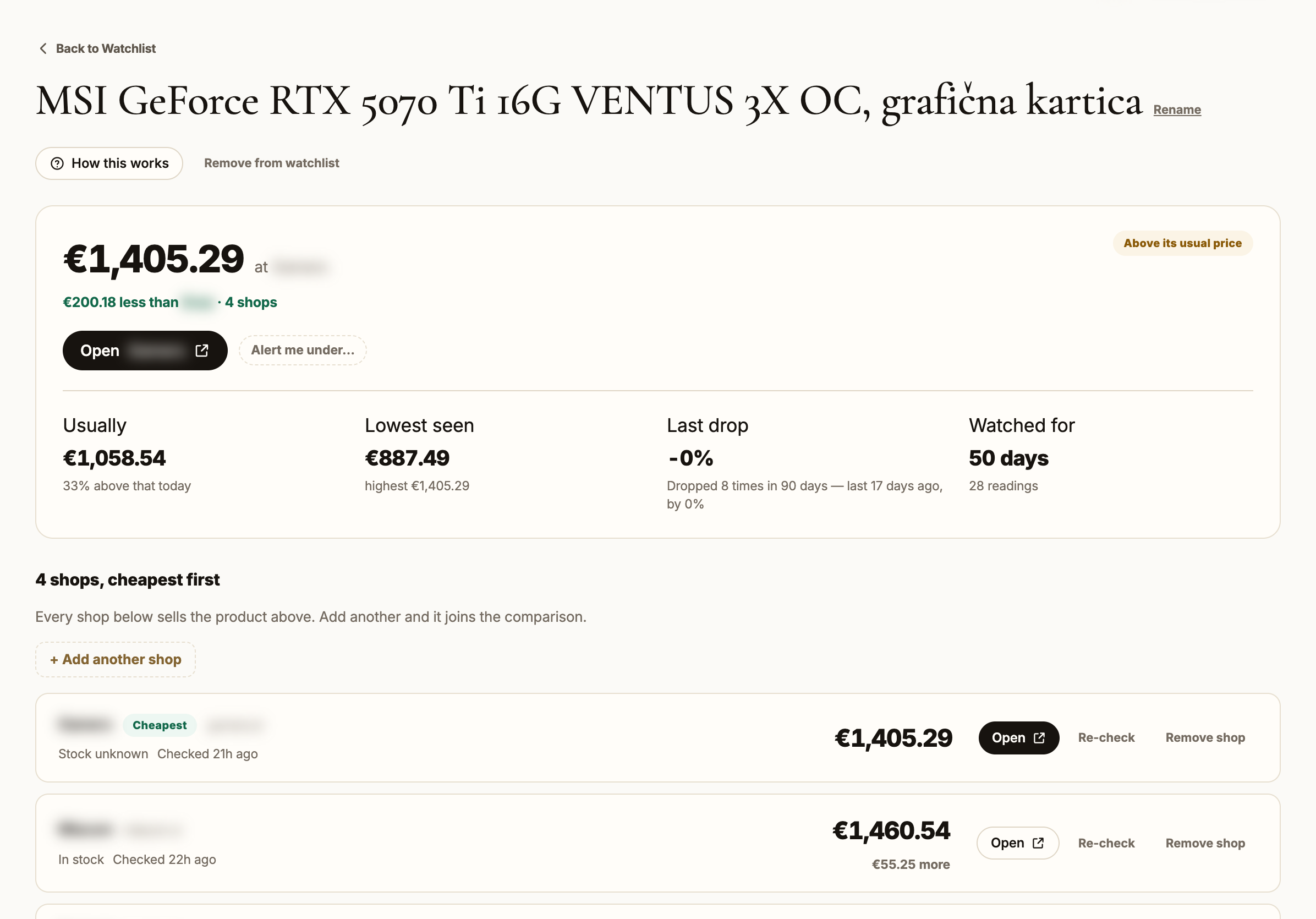
For a product you want to buy rather than sell. Add it by its link, add the other shops that carry it, and see each shop’s price history in one chart. Set a price, and Vigil emails you the first time a shop drops to it.
It hands you the data.
The company list and each price history export to Excel, and the price changes to CSV. From the Growth plan up, the same data is available over an API, with a key you create in Settings. Your whole account downloads as one file whenever you ask for it.
For agencies: a workspace, a portal and a weekly PDF for each client.
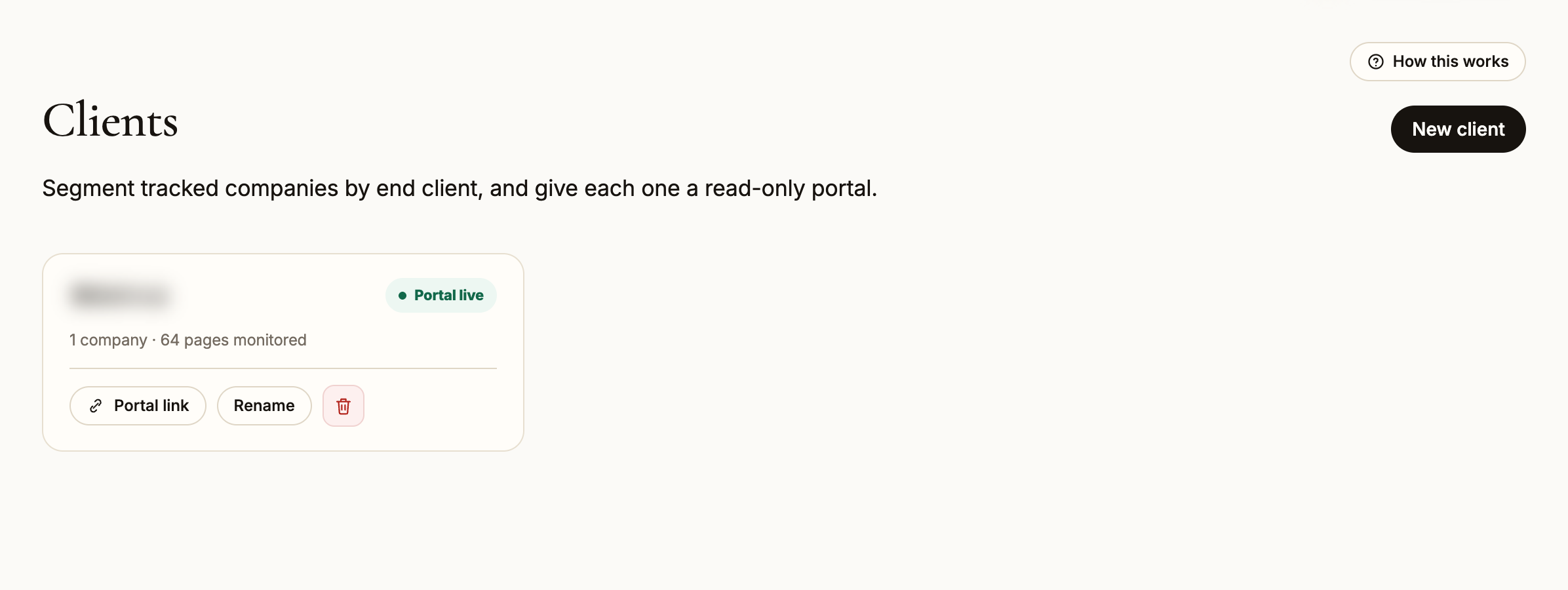
On the Agency and Enterprise plans, each tracked company can be assigned to a client. The dashboard narrows to one client at a time, each client gets a read-only portal link of their own, and you receive a weekly PDF report for each client under your agency’s name.
Every plan includes a 14-day trial.
A card is required to start it and is not charged until the trial ends.